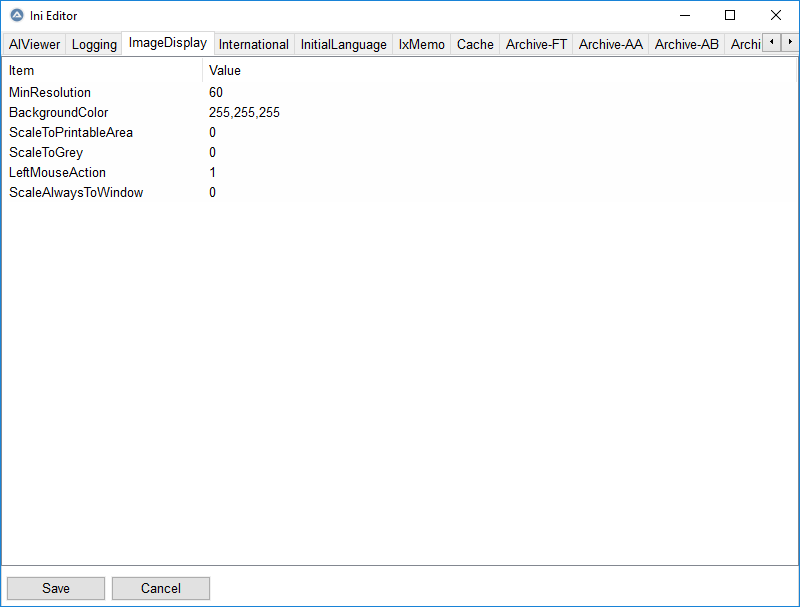
I have used an INI Editor for several years now. It's not used often, but it is a handy utility that works hand-in-hand with an application launcher I wrote. The original is shown at the right. The source is a total of 119 lines – and I must say, it is well written. The user interface is utilitarian and a bare minimum.
The INI Editor is a package that I found in the AutoIt Forum. It is written by "bloomingranny" with a modified GUIListViewEx UDF originally by Melba23. The UDF was modified by bloomingranny. I have made some changes as well – indirectly.
It is a very useful tool. As I said earlier, INI files are not edited that often, so there isn't much activity on the original thread. As a matter of fact, there is only one post thanking the orignal author. I don't join forums, else I would have thanked him as well.
Why not join? The AutoIt forum is a nasty place that isn't very friendly to newcomers. Yes, I know I am a seasoned veteran when it comes to programming. AutoIt is more like a scripting language with a compiler. I have used it for automating tasks in Windows for many years.
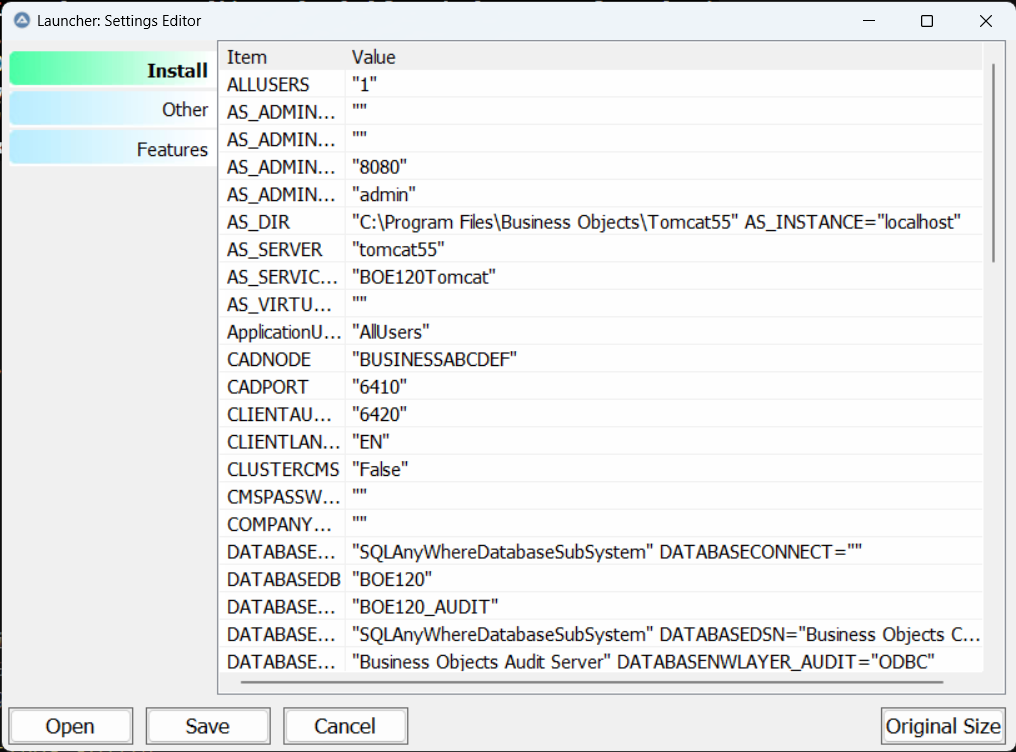
I recently updated my own application. In there, a button will launch the INI editor and pre-load it with the INI file for the application. There are a possible total of seven INI files it could use. I decided to update the INI Editor as well and improve the user interface and functionality. The original provided the ability to resize, but I was not fond of how it was implemented. I personally would prefer the tabs to be at the left ... the tabs, by the way, are each section of an INI file. AutoIt doesn't have a good "tab" functionality. You can move the tabs to the left or the right where they will display vertically. But the text is vertical too. I would prefer tabs that are on the left with text that is horizontal. So, I created a UDF with pseudo-tabs.
Some of the new features I added:
- File Open capability ... now I can be in one version of the app and load that app's INI file, and also open any of the other apps INI files (if needed)
- Vertical Pseudo-Tabs ... they are truly only "pseudo" and control nothing. When you click on them, I grab the index and then activate the real tab with changes the list edit view to the appropriate section data. The vertical pseudo-tabs have a "selected" background color image, a normal (un-selected) background color image, and a hover background color image. Response is instantaneous, no lag time.
- Resize improvements where a button will appear, always floating in the lower right, to restore the INI Editor to its original size. I also resolved a long standing problem where if the INI Editor was minimized, the buttons were wonky on restoring from minimized state. I also added the ability to maintaining a minimum width and height on resize.
My INI Editor has gained some new functionality and is now 366 lines of source code. Much of the code size increase is related to resizing. I had to come up with some extra code to make sure the pseudo-tab width did not resize.
I've thought of releasing the INI Editor, but would like to discuss with the original author. Since I won't join the AutoIt forum, and I have no idea how to reach the original author, it's unlikely the improvements will ever be released.